AI-assisted traffic planning
Traffic plans.Built with AI.
Turn site context into a traffic plan you can refine. Less manual drawing. More time for the decisions that matter.
Start a conversation
A new way to plan
Your expertise.
A new kind of workspace.
Describe the work. Build the plan with AI.
Refine every detail, without starting over.
A scripted demonstration: open a traffic plan in a full-width editor, switch from aerial imagery to a vector plan drawing, drag a cone onto the map, select nine cones, then ask AI to extend the work area twenty metres to the left. The map dims while updating, then the completed revision appears with additional cones. The demonstration loops with a fade back to its original state. Synthetic imagery and illustrative geometry; this website does not generate or validate real plans.

From the first brief to the next revision
Describe. Generate. Refine.
One continuous workflow.
Your decisions, carried through every step.
An illustrative workflow: describe the work, combine site information and local guidance into an AI-assisted draft, then refine it through direct editing or conversation. Drafts require planner review.
- 01
Describe
Tell us the work. Mark the area.
- 02
Generate
Bring site context and guidance into the draft.
- 03
Refine
Edit directly. Or ask for a change.
The sources behind the plan
Grounded in real-world data.
Bring imagery, road geometry and site context into one editable plan.
Aerial imagery
A clear view of the surrounding site.
Road geometry
Road edges, footways and crossings.
Site context
Keep access and source context in view.
Editable plan
A draft you can inspect, refine and review.


A source-layer illustration using invented site imagery and illustrative geometry. It does not retrieve live sources or validate a traffic plan. Continue scrolling to build the four layers; scroll upward to reverse. Reduced motion shows all layers together.
Context for every decision
Local guidance.
Ready to work with.
Keep the relevant requirements and their sources close to every decision.
Illustration of a guidance passage connected to a planner note. The document copy and map are illustrative, not live authority sources or a validated plan.
Less drawing.
More planning.
AI develops the draft.
You guide every decision.
A planning illustration: a request to keep pedestrian access open is carried into an access note, work staging and revision history. These are illustrative draft decisions, not a live AI result, validated plan or persisted project history.
Beyond the plan
Connected project operations.
Keep performed work, project costs and invoice preparation in one flow.
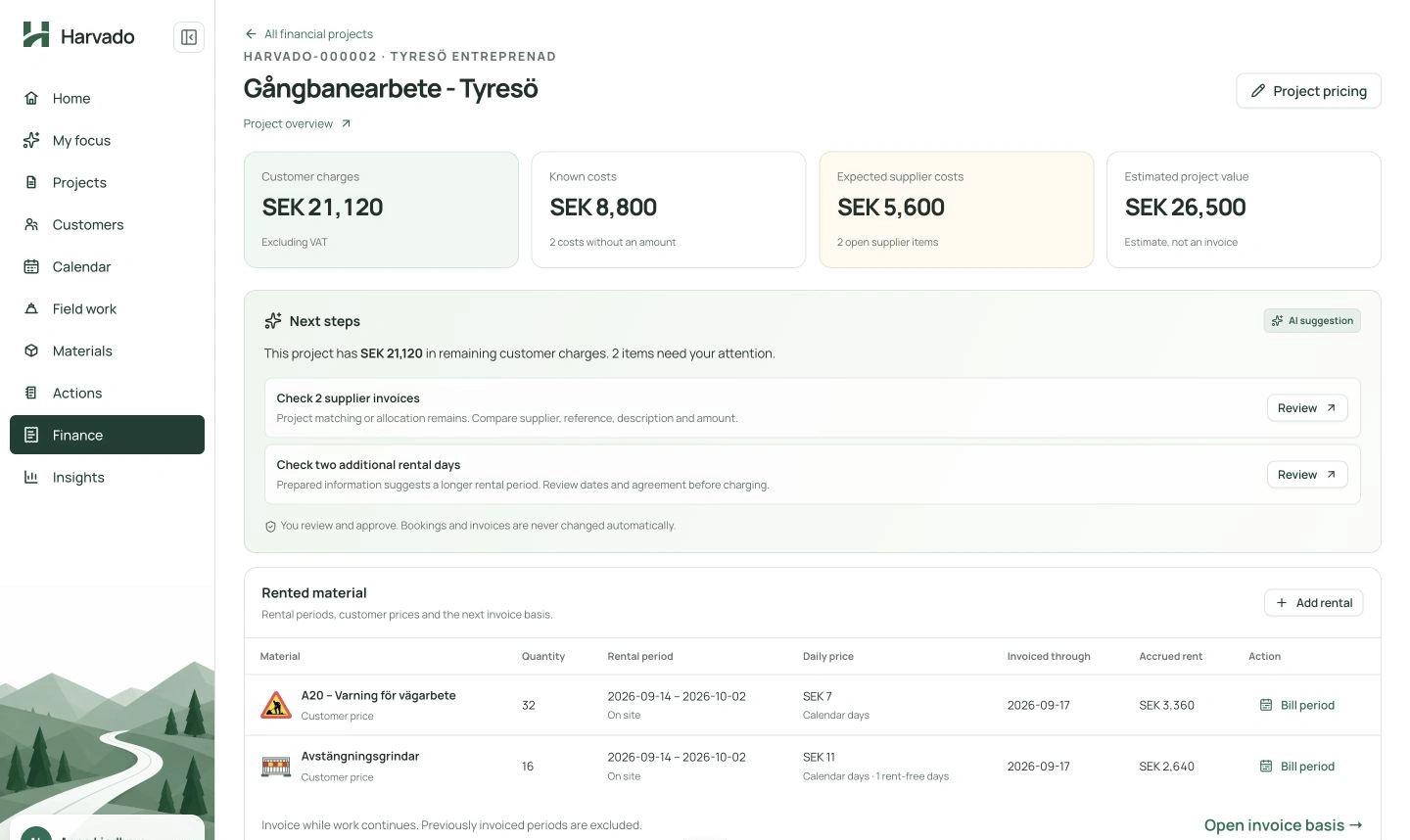
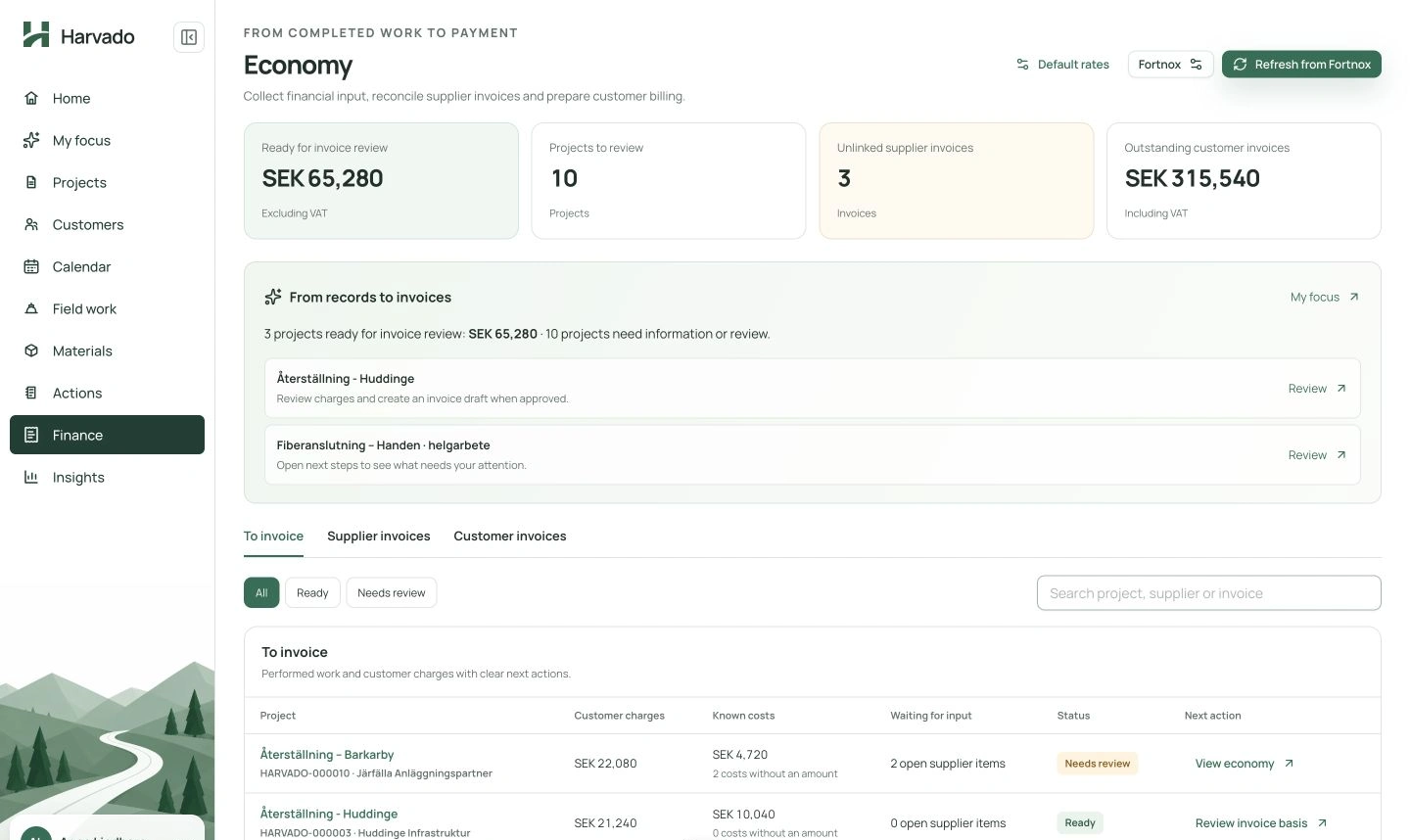
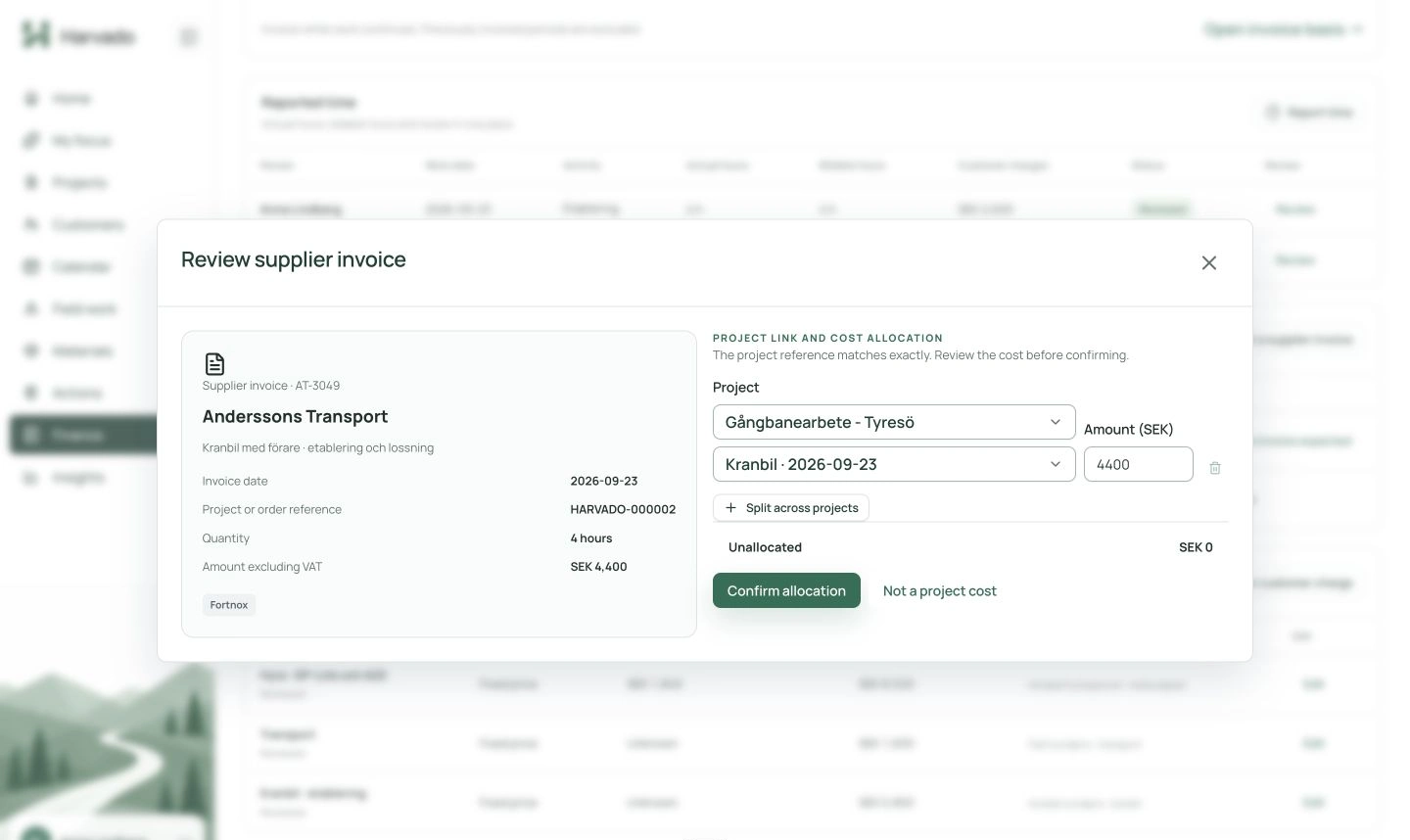
Know what is ready to invoice, what needs review and where financial input is still missing.